 Buy me a Koffee
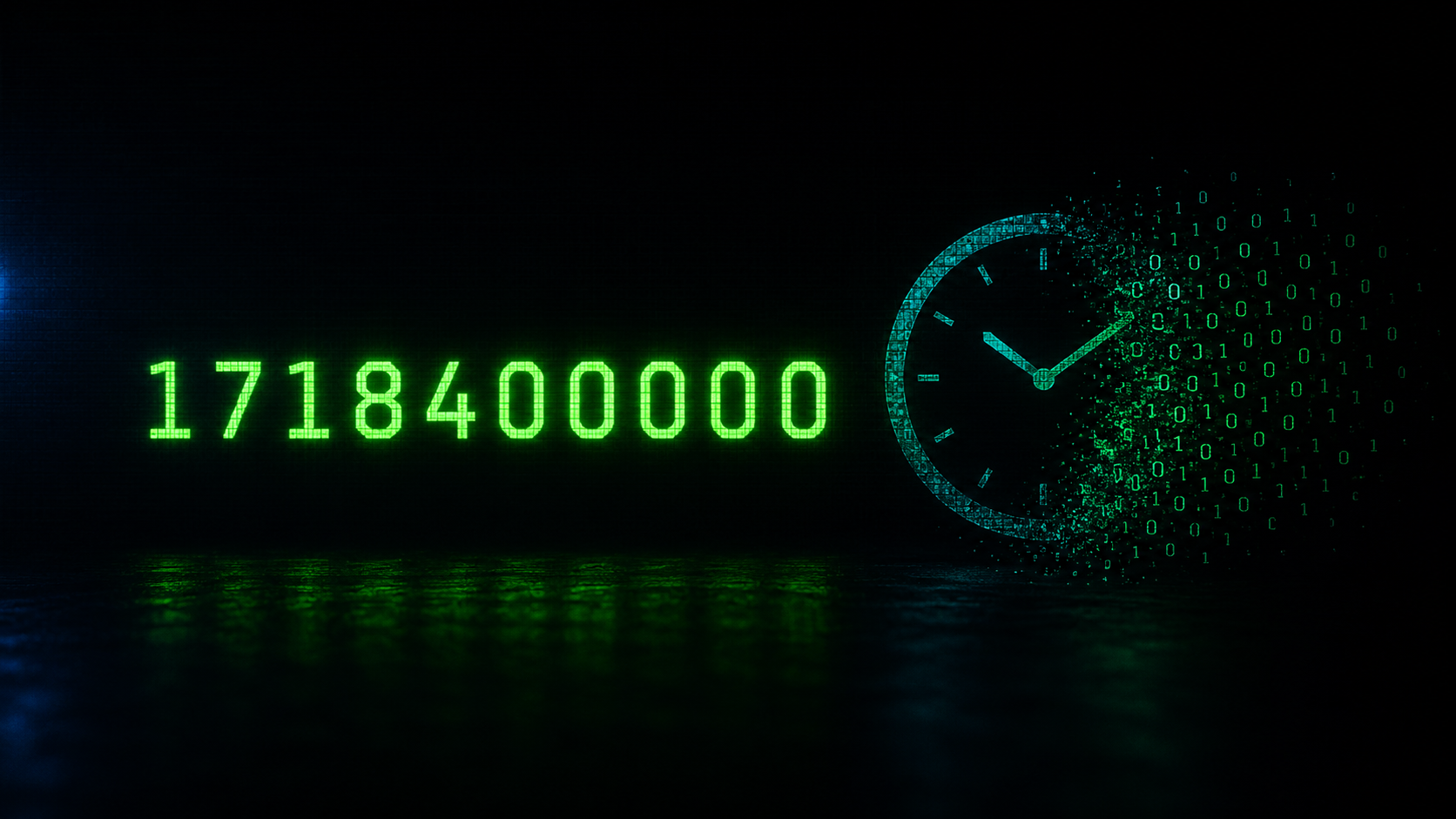
Every developer has stared at a log line like this and felt that brief moment of confusion:
[ERROR] connection failed timestamp=1718400000
That number at the end is not corrupted data. It is not a bug in your logging library. It is a Unix epoch timestamp, and once you understand what it is and why every system uses it, you will never be confused by it again.
What Is a Unix Epoch Timestamp
A Unix epoch timestamp is simply the number of seconds that have elapsed since January 1, 1970 at midnight UTC. That specific moment is called the Unix epoch, and almost every operating system, programming language, and database on the planet uses it as their internal clock reference.
When your application writes 1718400000 to a log file it is saying this event happened exactly 1,718,400,000 seconds after that reference point. Convert it and you get June 14, 2024 at 16:00:00 UTC.
Why Systems Use Numbers Instead of Readable Dates
Every developer asks this question the first time they encounter a raw timestamp in a log. There are four solid reasons engineers made this choice decades ago and have not changed it since.
Performance is the first reason. Comparing two integers is faster than parsing and comparing two date strings. When a system processes millions of log events per second, the difference between integer comparison and string parsing adds up to real CPU time and real infrastructure cost.
Timezone neutrality is the second reason. An epoch timestamp has no timezone attached to it. The number 1718400000 means the exact same moment in time whether you are reading it in Mumbai, London, or São Paulo. The second you represent time as a formatted string like 2024-06-14 16:00:00 you introduce an ambiguity problem. Whose timezone is that? UTC? IST? EST? Epoch sidesteps this entirely by being an absolute value with no regional interpretation.
Storage efficiency is the third reason. A 10-digit integer takes less space than a formatted datetime string. Across billions of log events this is not a trivial difference.
Interoperability is the fourth reason. Python, Go, JavaScript, Rust, Java, and every other language can read and write epoch timestamps without any format negotiation between systems. A timestamp written by a Go microservice can be consumed by a Python analytics pipeline without a single line of conversion code.
The Four Formats You Will Encounter
Not every epoch timestamp looks the same. The number of digits tells you the precision being used, and getting this wrong is the single most common mistake when converting timestamps manually.
A 10-digit number like 1718400000 is seconds. A 13-digit number like 1718400000000 is milliseconds. A 16-digit number like 1718400000000000 is microseconds. A 19-digit number is nanoseconds.
AWS CloudWatch logs use milliseconds. Kubernetes events typically use seconds. PostgreSQL can store microseconds. When you see a 13-digit number in a log it is not a larger or later timestamp than a 10-digit one. It is the same moment expressed with higher precision.
The classic mistake is treating a millisecond timestamp as seconds. If you paste 1718400000000 into a converter without dividing by 1000 first, you get a date sometime in the year 56,000. Checking digit count first takes two seconds and saves real debugging time.
What These Look Like in Real Systems
In an AWS CloudWatch log entry the timestamp field contains 13 digits in milliseconds. In a Kubernetes event manifest the lastTimestamp field is a 10-digit seconds value. In a Node.js application calling Date.now() returns milliseconds, while Math.floor(Date.now() / 1000) gives you seconds. In PostgreSQL the EXTRACT(EPOCH FROM NOW()) function returns seconds as a decimal.
Understanding which format each system uses is something you build up as familiarity over time. When in doubt, count the digits.
The Year 2038 Problem
There is one historical footnote worth knowing. Older 32-bit systems store epoch timestamps as a signed 32-bit integer. The maximum value of a signed 32-bit integer is 2,147,483,647, which corresponds to January 19, 2038 at 03:14:07 UTC. After that moment, 32-bit systems overflow and roll back to a negative number.
Modern 64-bit systems are completely unaffected. A 64-bit integer can hold timestamps until well past the year 292 billion. But if you work with legacy embedded systems, old database schemas with integer timestamp columns, or any infrastructure that has not been audited since the 1990s, this is worth checking.
Converting Timestamps Without Installing Anything
The fastest way to convert a timestamp during a live debugging session is a browser tool that requires no installation, no login, and sends nothing to a server.
The OpsBash Timestamp Converter handles all four formats automatically. Paste any timestamp and it detects whether you have seconds, milliseconds, microseconds, or nanoseconds and shows you the UTC time, your local time, ISO 8601 format, and a relative label like 3 days ago or in 2 hours simultaneously. There is also a batch mode where you can paste an entire block of log output and convert every timestamp in it at once.
Frequently Asked Questions
Why does my timestamp convert to a date in 1970?
You are almost certainly treating a millisecond timestamp as seconds. A 13-digit value divided by 1 instead of 1000 gives you a time near January 1970. Count the digits first and divide accordingly.
What timezone is stored in an epoch timestamp?
None. Epoch is timezone-agnostic. It represents an absolute moment in time. When you convert to a human readable format you choose which timezone to display in. UTC is the convention for server logs and distributed systems.
How do I get the current timestamp in my terminal?
On Linux or macOS run date +%s for seconds or date +%s%3N for milliseconds. On Windows PowerShell run [DateTimeOffset]::UtcNow.ToUnixTimeSeconds().
Can two log entries share the same epoch timestamp?
Yes, if your logging uses second precision and two events occur within the same second they will have identical timestamps. High-throughput systems use millisecond or microsecond precision specifically to avoid this collision.
How do I filter AWS CloudWatch logs by a time range using epoch?
The AWS CLI accepts epoch milliseconds in the start-time and end-time parameters for get-log-events. Convert your target time range to milliseconds and pass them directly.
Try it yourself → Timestamp Converter, which lets you paste any Unix epoch value and get a human-readable date instantly, no code required.